UNO Touchpads Recent Updates and Change Log
LAST UPDATE OF THIS PAGE November 3, 2026
As of firmware version 1.0.12
For full change log please visit the EyezOn Forum
1.0.12 - September 30, 2026
- Touchpad now can automatically handle and recover from the panel having its IP changed.
- Added option to set a name for touchpad.
- Added support for intercom between touchpads on the local network.
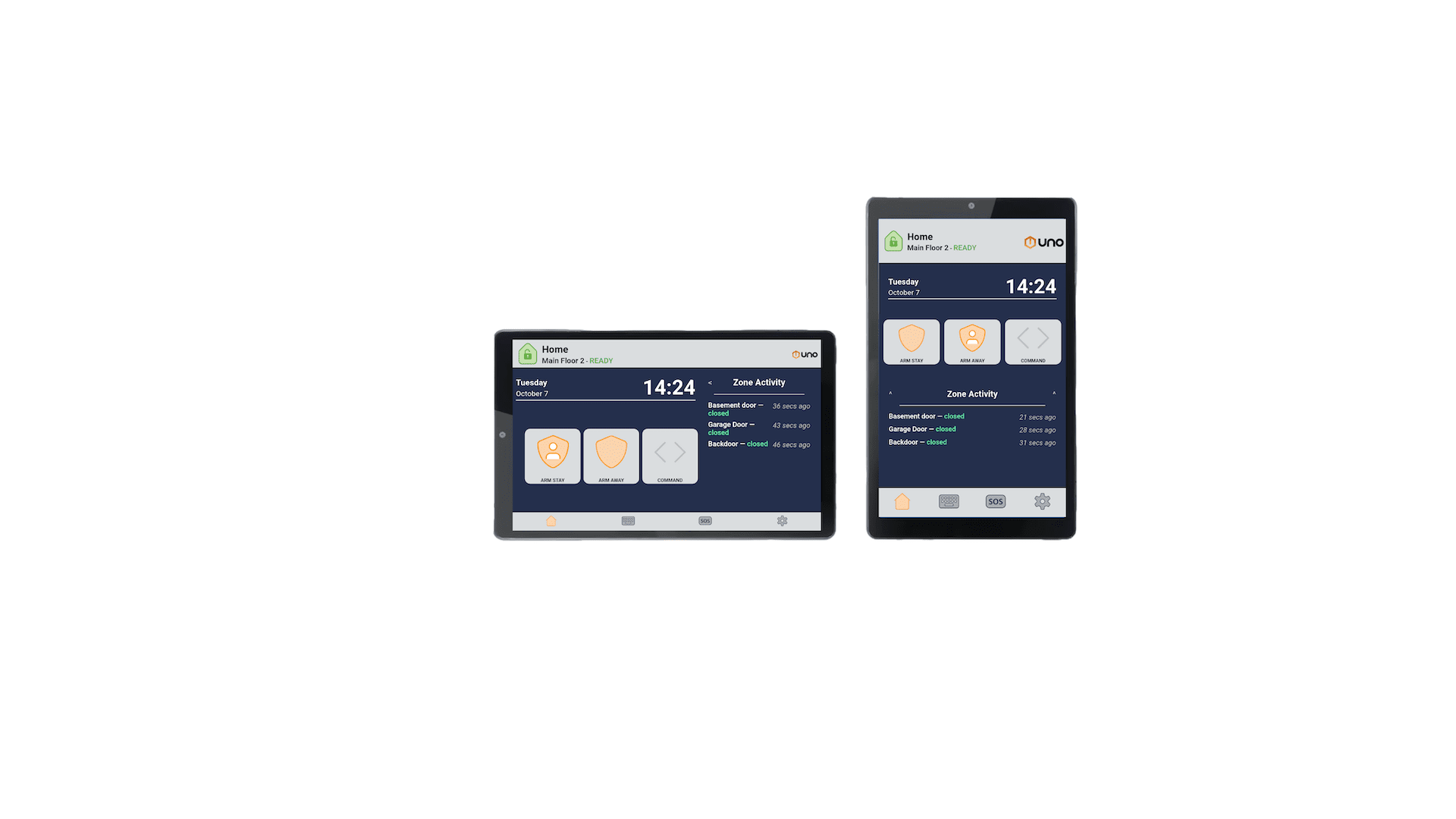
- Removed command button from home screen and replaced it with a zero entry delay arm button/night arm button (what its called can be changed via settings).
- Zero entry delay button can instead be called Night Arm mode.
- Added option to reboot the panel from settings.
- Added support for Reolink hub.
1.0.11 - August 28, 2026
- Added dedicated button for Zero Entry Delay Arming in Command. Can choose to swap it to the Home Screen.
- Fixed thumbnail bug with UniFi IP cameras.
- Display outdoor temperature beside the weather icon on main screen.
- Display status sensitive time/date on the weather page of the screen saver.
- Minor bug fixes.
1.0.10 - August 10, 2026
- Added support for UniFi IP cameras.
- Added option to hide SOS buttons.
- Minor bug fixes.
1.0.9 - July 20, 2026
- Added support for select Qualvision, Homaxi, and Reolink IP cameras (see documentation under Guides).
- Added support for TTLock based smart locks.
- Added support for linking bluetooth speakers (to increase volume of voice announcements or have them originate from a different location).
- Can now optionally display the weather and forecast on the screensaver.
- Added option to individually control the chime and voice announce volumes.
- Added option to have an audible alarm play from the touchpad.
- With a camera attached options are available such as: link a camera to zone activity, snapshot on disarm, doorbell cam view and talk on touchpad.